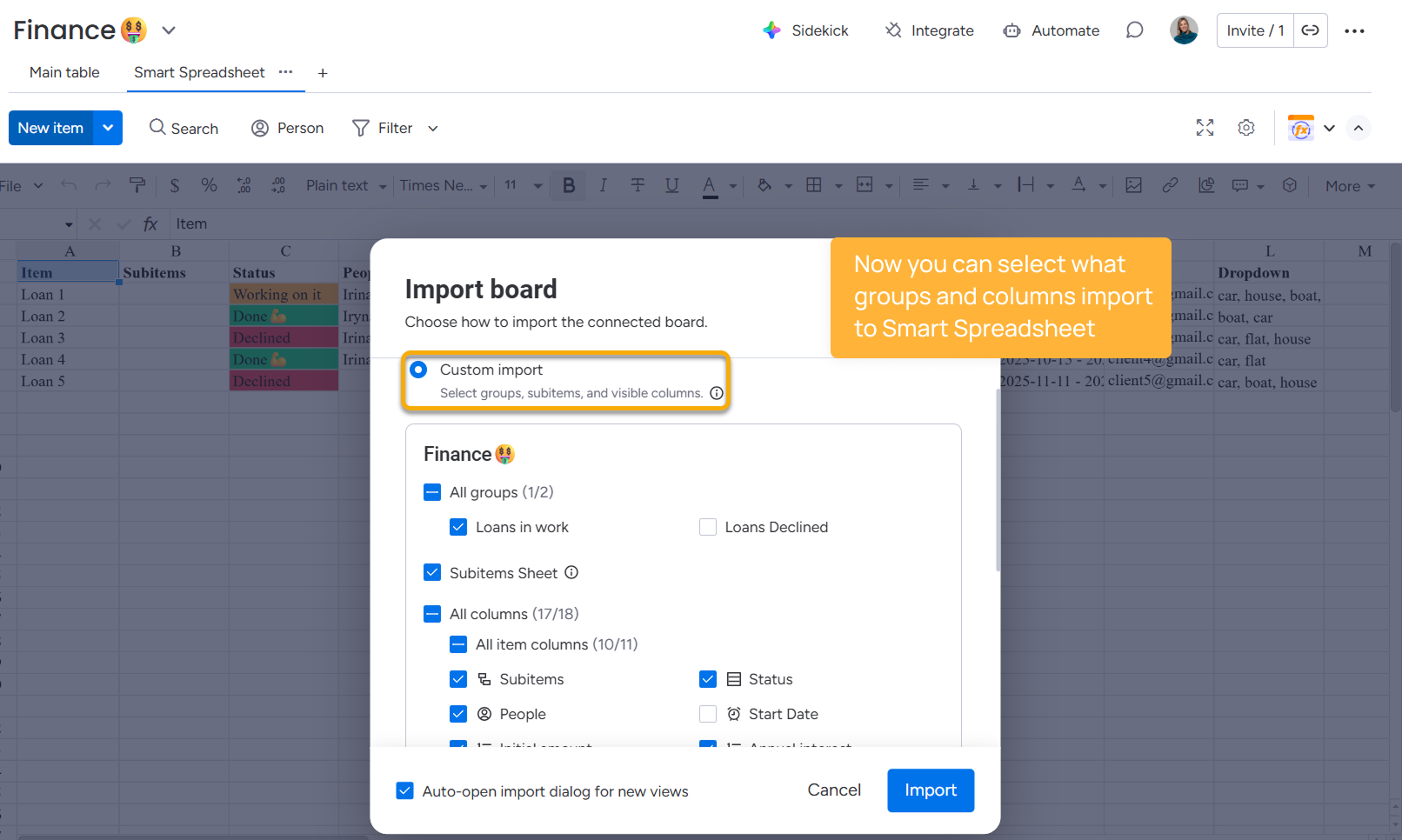
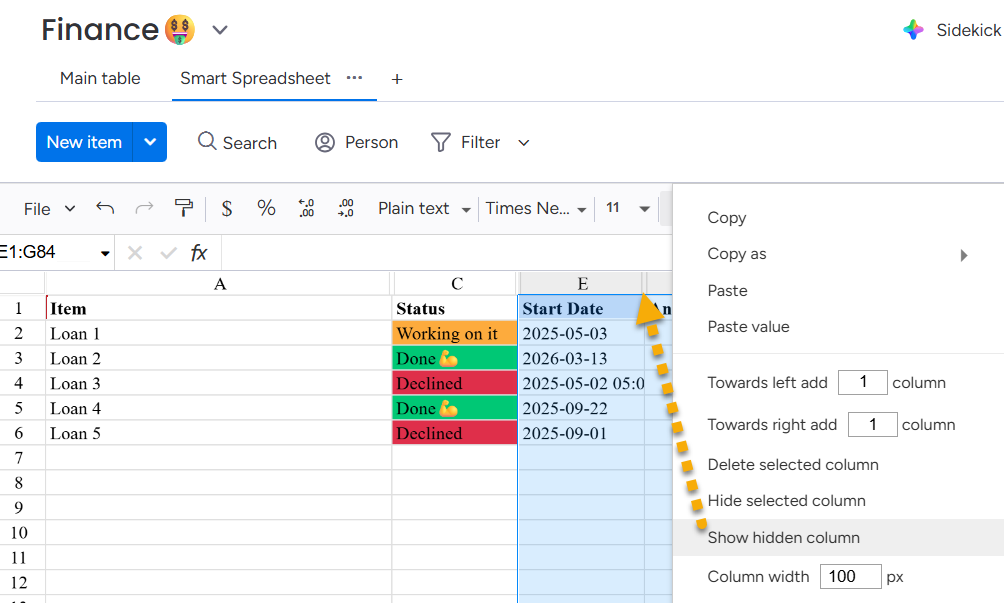
Smart Spreadsheet for monday.com Release Notes Current: 04/13/2026 PDF Download PDF Download page 04/13/2026. Current page All pages 04/13/2026 We introduced a new feature - Custom board import.You can now choose exactly what data to import into Smart Spreadsheet.Select specific groups to importChoose only the columns you needInclude or exclude subitemsHow it worksWhen importing a board, switch to Custom import and select the data you want using checkboxes.No more need to import everything and clean it up manually.Why it mattersFaster setup — start working immediately after importCleaner sheets — focus only on relevant dataLess manual work — no need to delete unnecessary columnsGood to knowColumns you don’t select are not deleted — they’re simply not shown ×