Download page Add a Checklist When a Work Item is Created.
Add a Checklist When a Work Item is Created
Use this rule to automatically add a checklist every time a new work item is created.
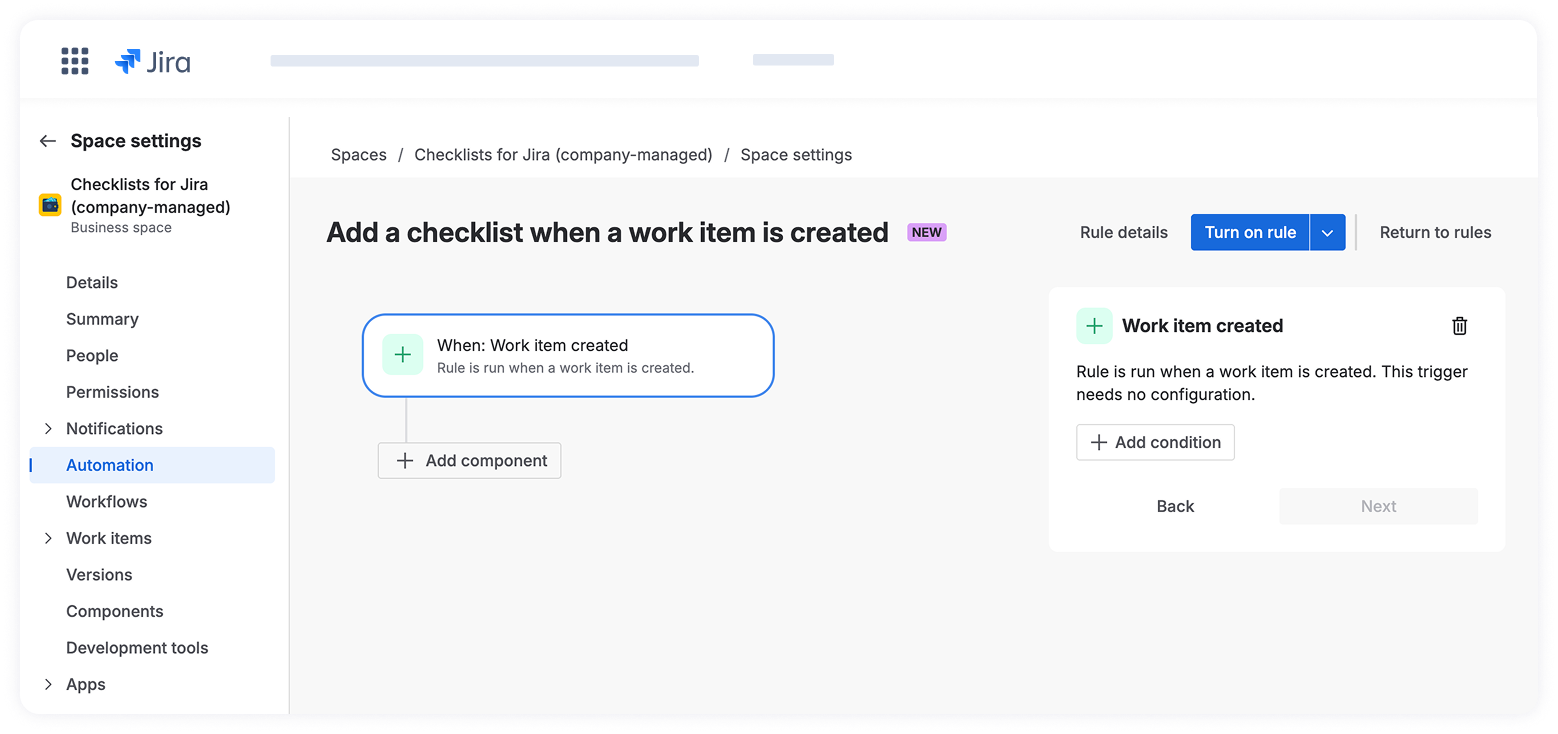
1. Navigate toSpace settings>Automation.
2. ClickCreate rule > Create from Scratchto start a new automation rule.
3. Choose a trigger: Work item created, and click Next.
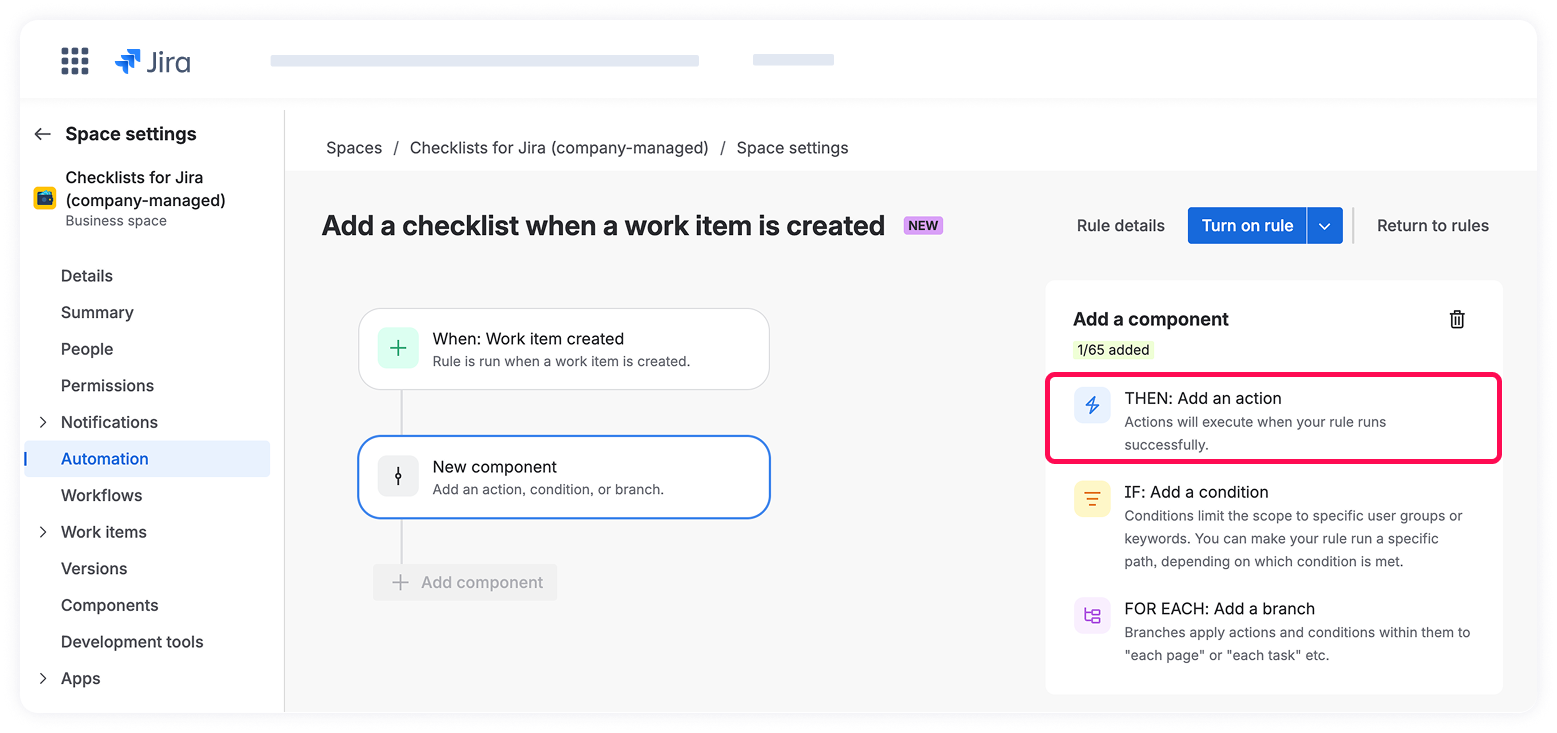
4. Click +New Component and choose THEN, add an action.
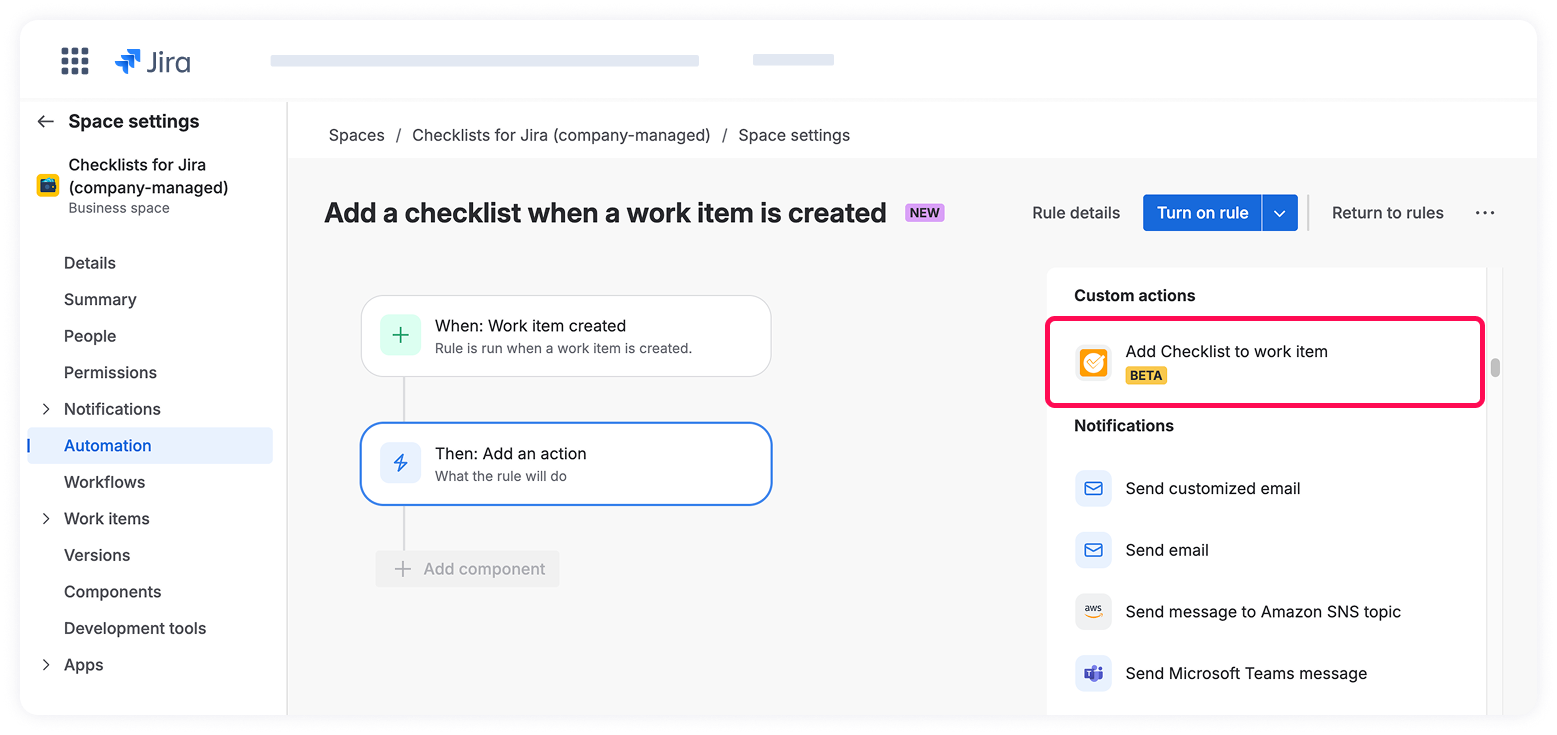
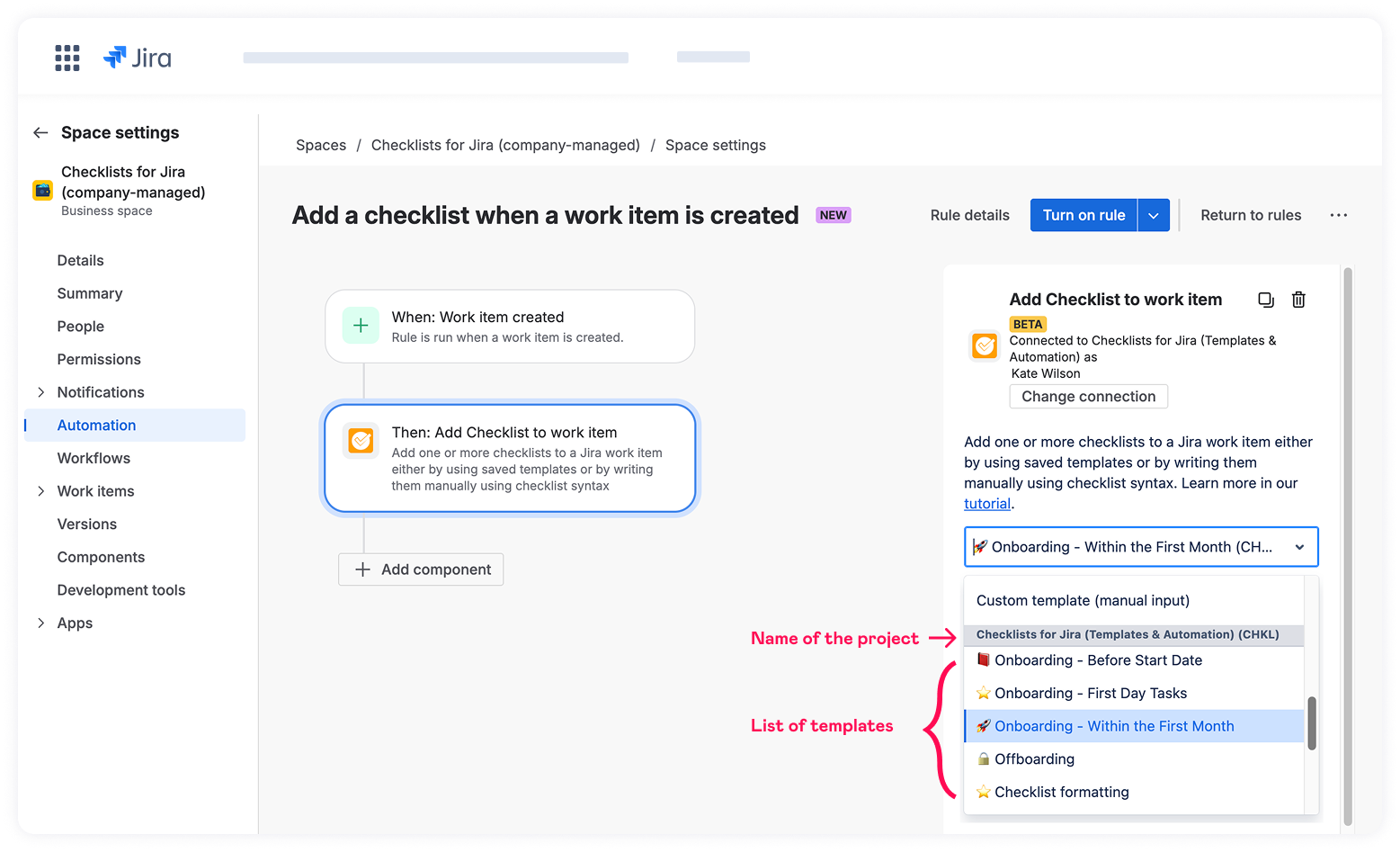
5. Select Add Checklist to work item from the list of componentsand connect Atlassian Automation to Checklists for Jira (Templates & Automation).
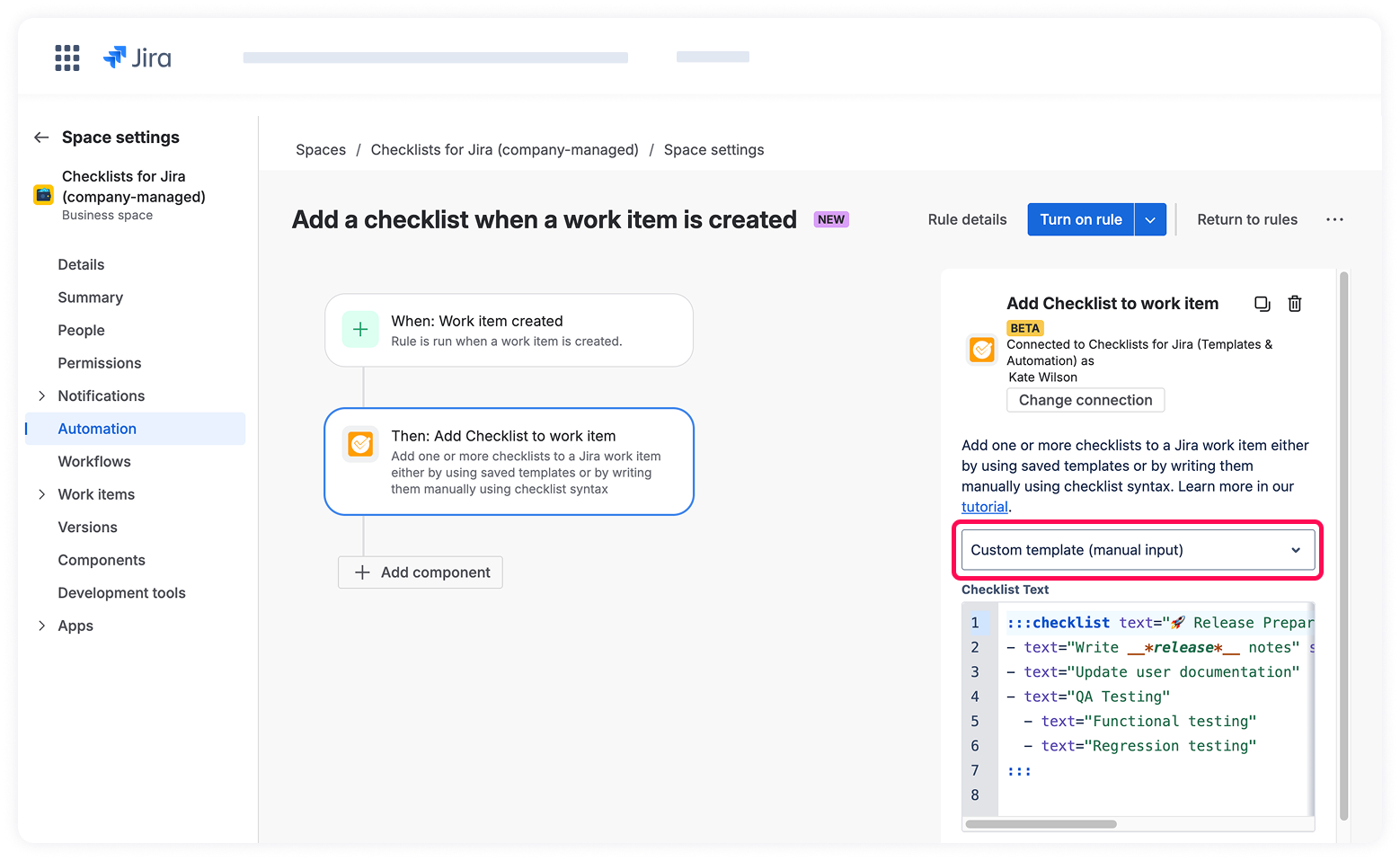
6. Choose the Custom template (manual input) option from the dropdown menu if you'd like to define checklist structure manually using Checklist syntax.
OR
Select a pre-configured checklist template from your templates library.
When configuring an automation, users can view and use all templates they have access to across the entire Jira instance, regardless of the project for which it is created.
7. Click Next.
8.Fill intherule detailsandvalidate itto verify that it works correctly.