Download page Marking Checklist Items as Mandatory.
Marking Checklist Items as Mandatory
Checklist items can be marked as mandatory to indicate that they must be completed. Required checklist items are commonly used together with the workflow validator: Validate that all mandatory checklist items are complete.When such a validator is configured in a workflow, Jira will prevent the transition if one or more mandatory checklist items are not completed.
Checklist items that are not marked as mandatory are considered optional.
How to mark a checklist item as mandatory
To mark a checklist item as required:
Open a Jira work item that contains a checklist.
Locate the checklist item you want to mark as mandatory.
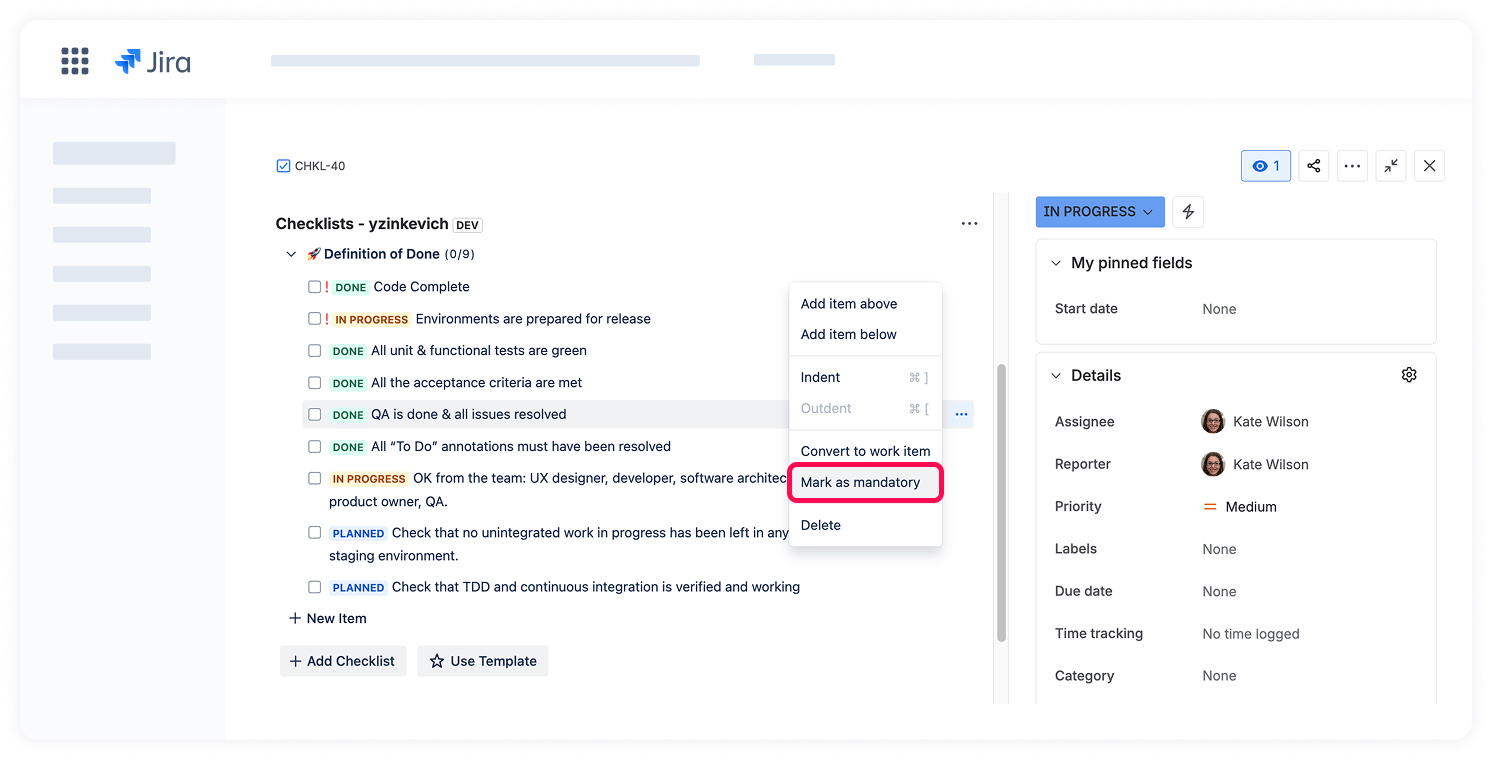
Click the item menu (...) next to the checklist item.
Select Mark as mandatory.
Once marked, the item will be treated as mandatory and included in validations that check mandatory checklist items.
Changing mandatory status
You can change the mandatory status of a checklist item at any time:
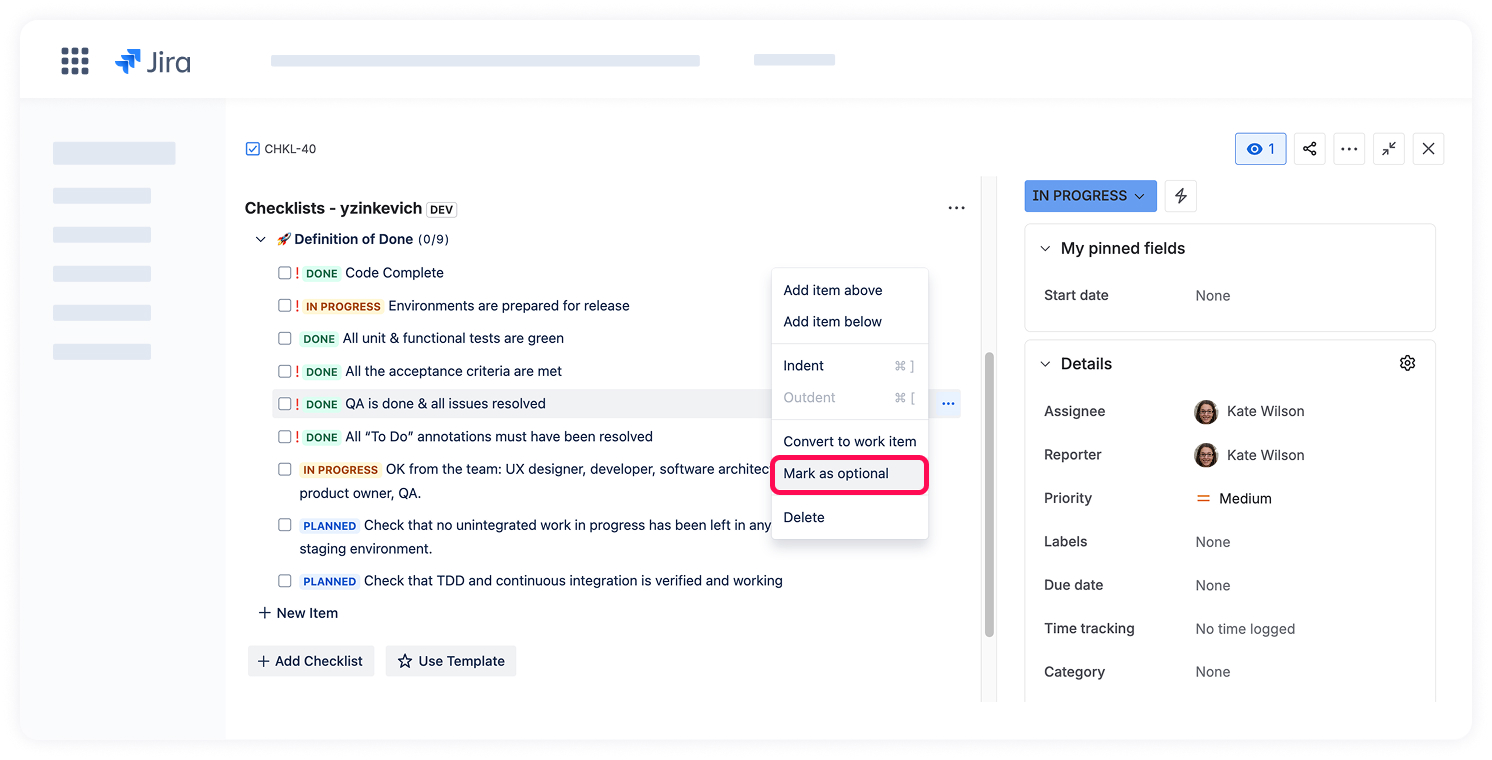
To make an item optional again, open the item menu (...) and select Mark as optional from the dropdown menu.
Changes take effect immediately and apply to all future validations.
Cookie Notice
This website uses cookies for analytics, personalization and advertising. By continuing to browse, you agree to our use of cookies. Learn more