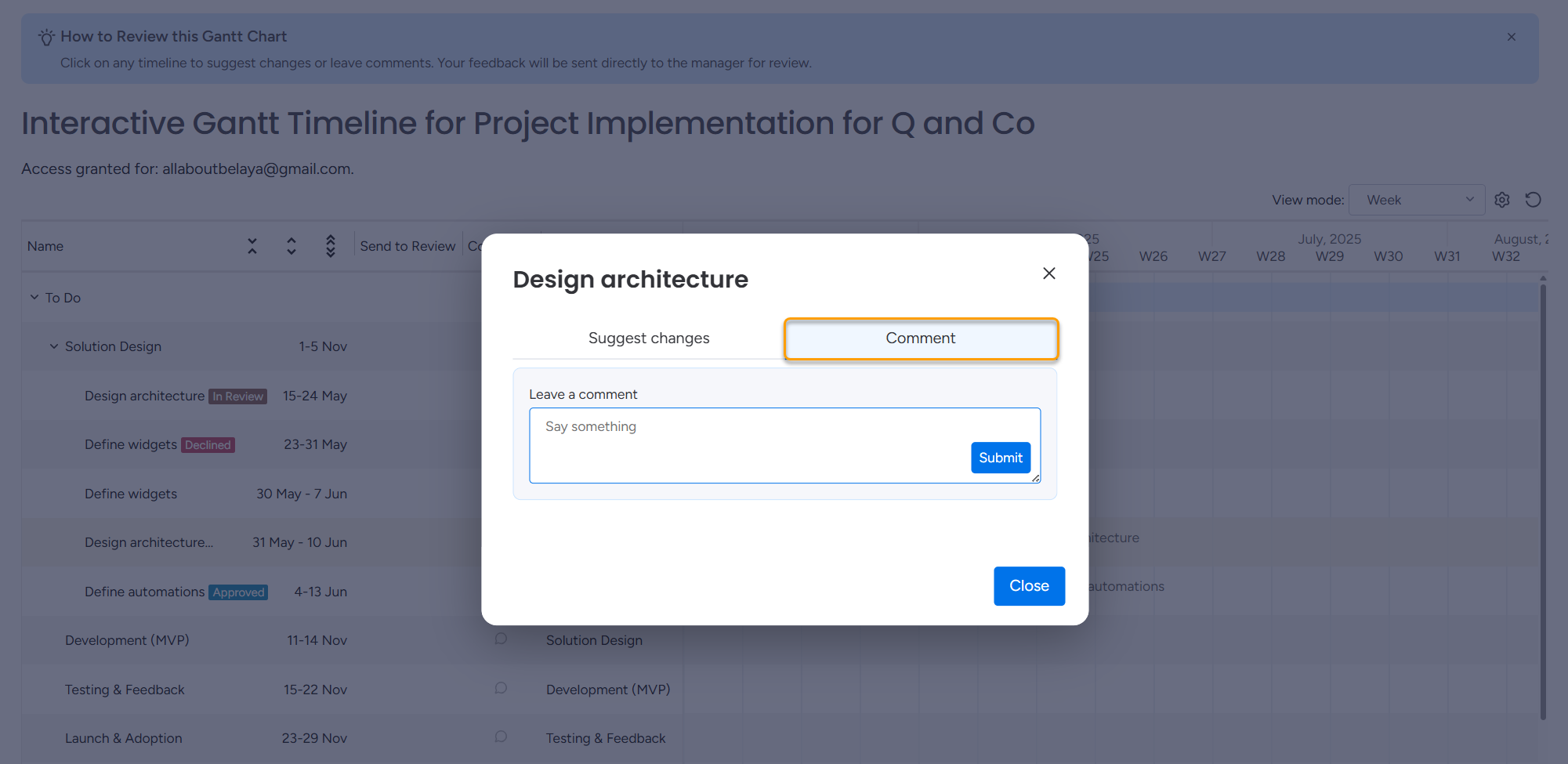
Clients can discuss any task with the project manager directly through the Comments section on the item.
To leave a comment:
Click any timeline bar in the Gantt chart.
Switch to the Comment tab.
Write a message and click Submit.
Once the comment is submitted, the project manager immediately receives a notification in monday.com.
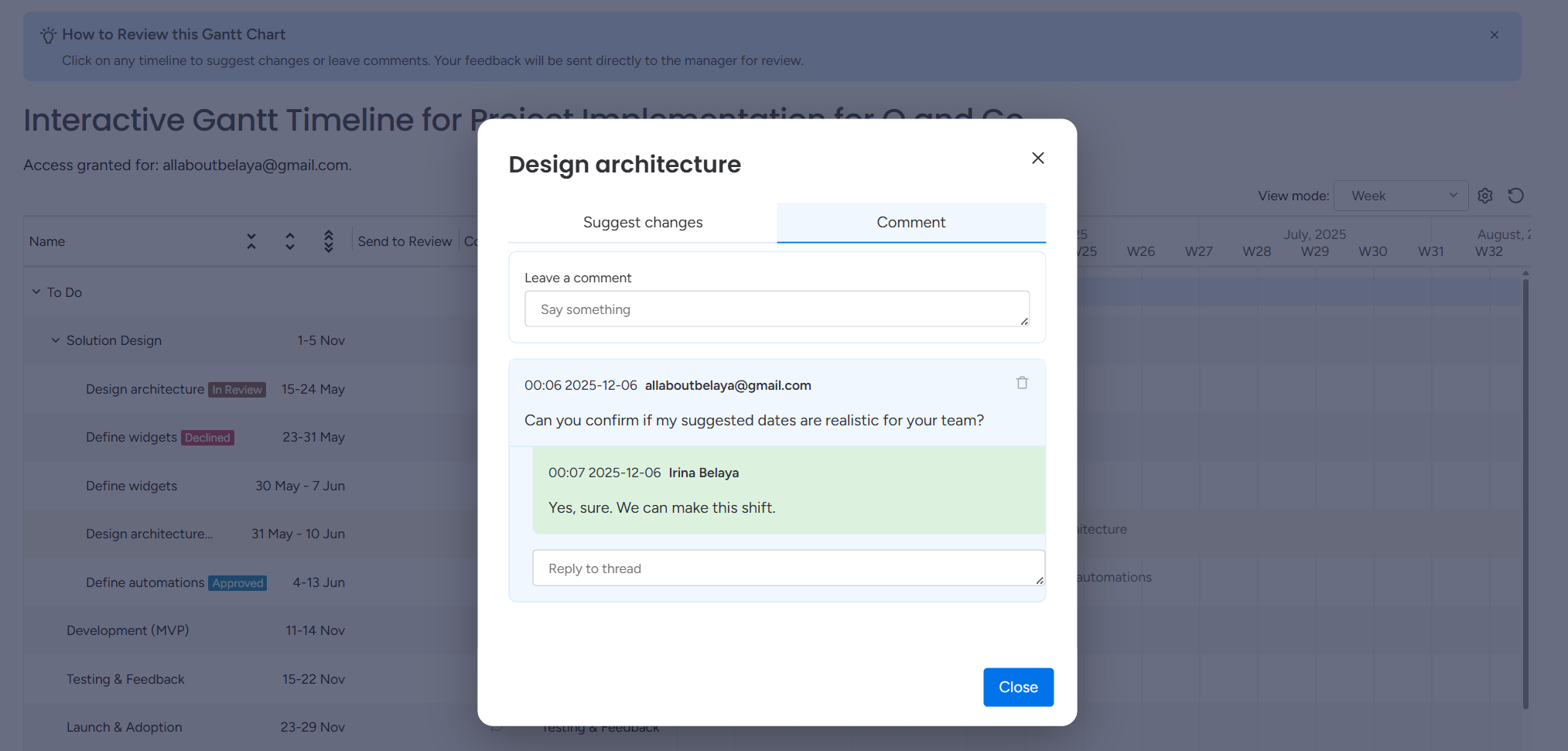
What information is included in each comment
Each comment shows:
the exact time it was submitted (displayed in the reader’s local time zone),
the email address of the person who left the comment.
This information is automatically passed to the project manager so they can understand the context of the message.
How replies work
When the project manager replies:
the client receives a notification in their Gantt view,
the conversation becomes visible inside the item for both sides.
All comments are visible to anyone who has access to the shared Gantt. This creates a shared communication space where all external stakeholders see the same discussion and avoid duplicated questions.
Cookie Notice
This website uses cookies for analytics, personalization and advertising. By continuing to browse, you agree to our use of cookies. Learn more