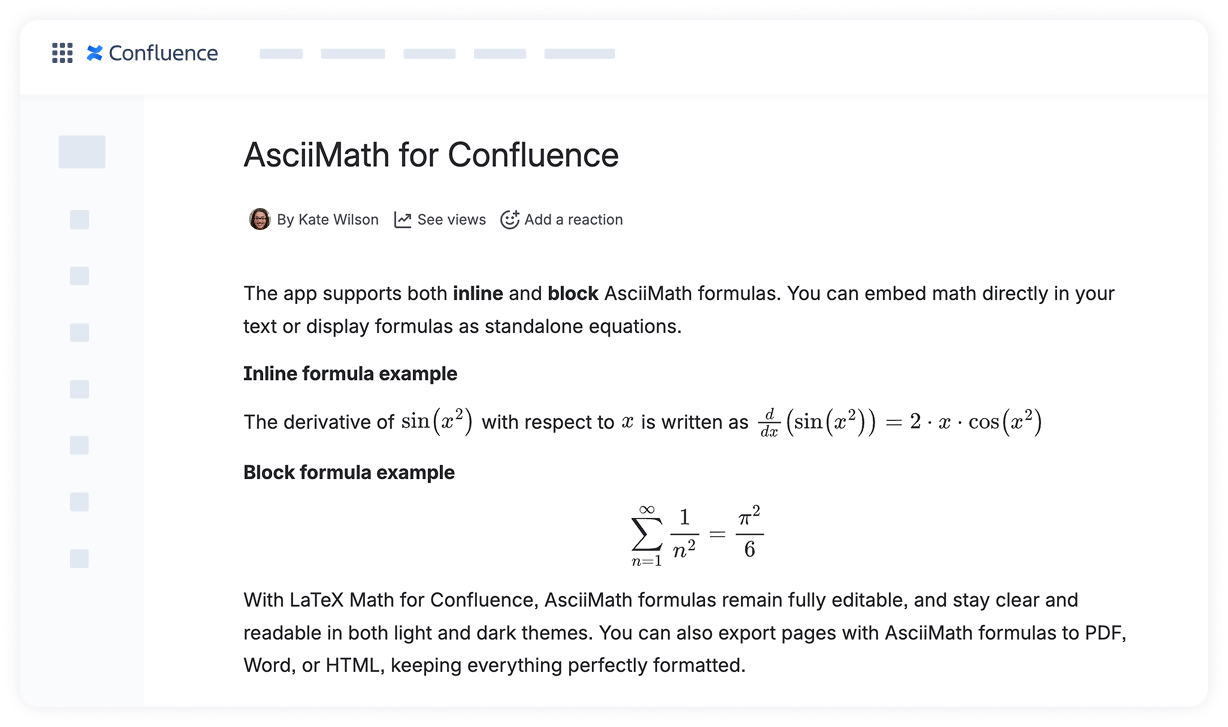
The AsciiMath Inline Formulas macro allows you to embed mathematical expressions directly within a line of text, keeping your content smooth and readable.
How to add an inline AsciiMath formula
Navigate to the Confluence page where you want to add the formula and click Edit.
Click exactly where you want the inline formula to appear within your text.
Insert the macro:
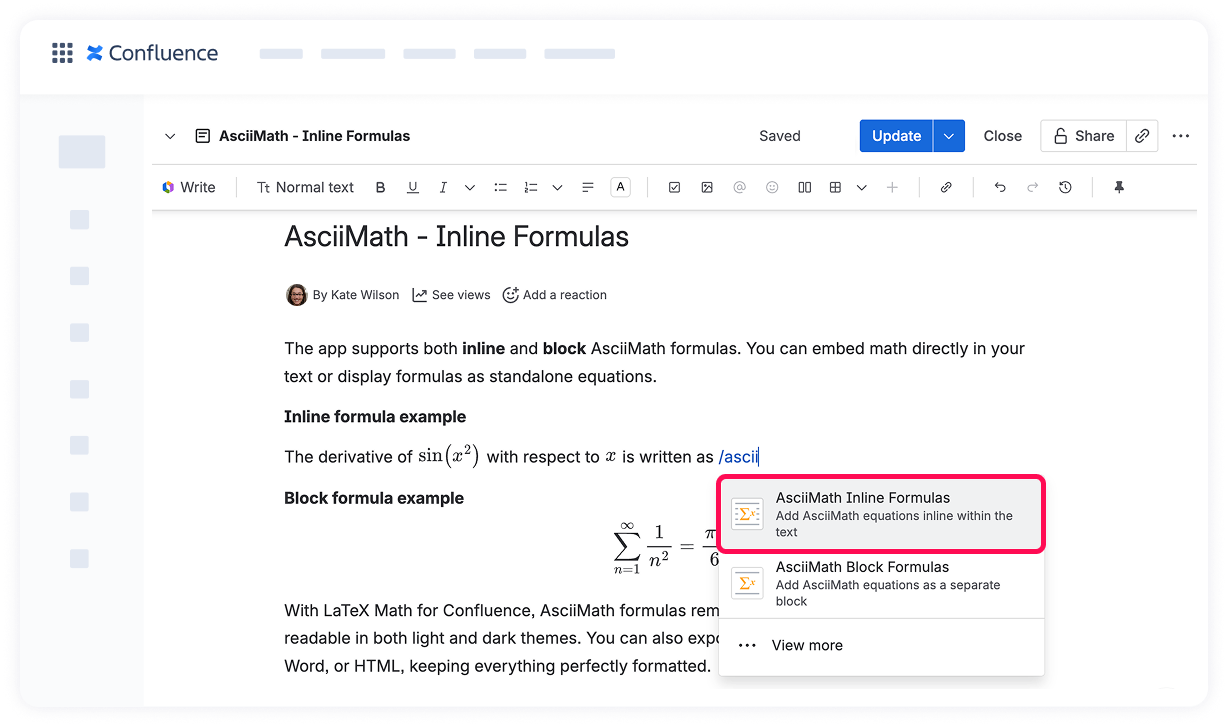
Type /ascii and select AsciiMath Inline Formulas from the suggestions.
Or click the + icon in the page toolbar, search for “Ascii,” and select AsciiMath Inline Formulas.
Type your AsciiMath expression in the input box.
Click Save to insert the formula inline.
Your formula will now appear inline, seamlessly integrated with your text, making equations easy to read without disrupting your content flow ✨
Cookie Notice
This website uses cookies for analytics, personalization and advertising. By continuing to browse, you agree to our use of cookies. Learn more