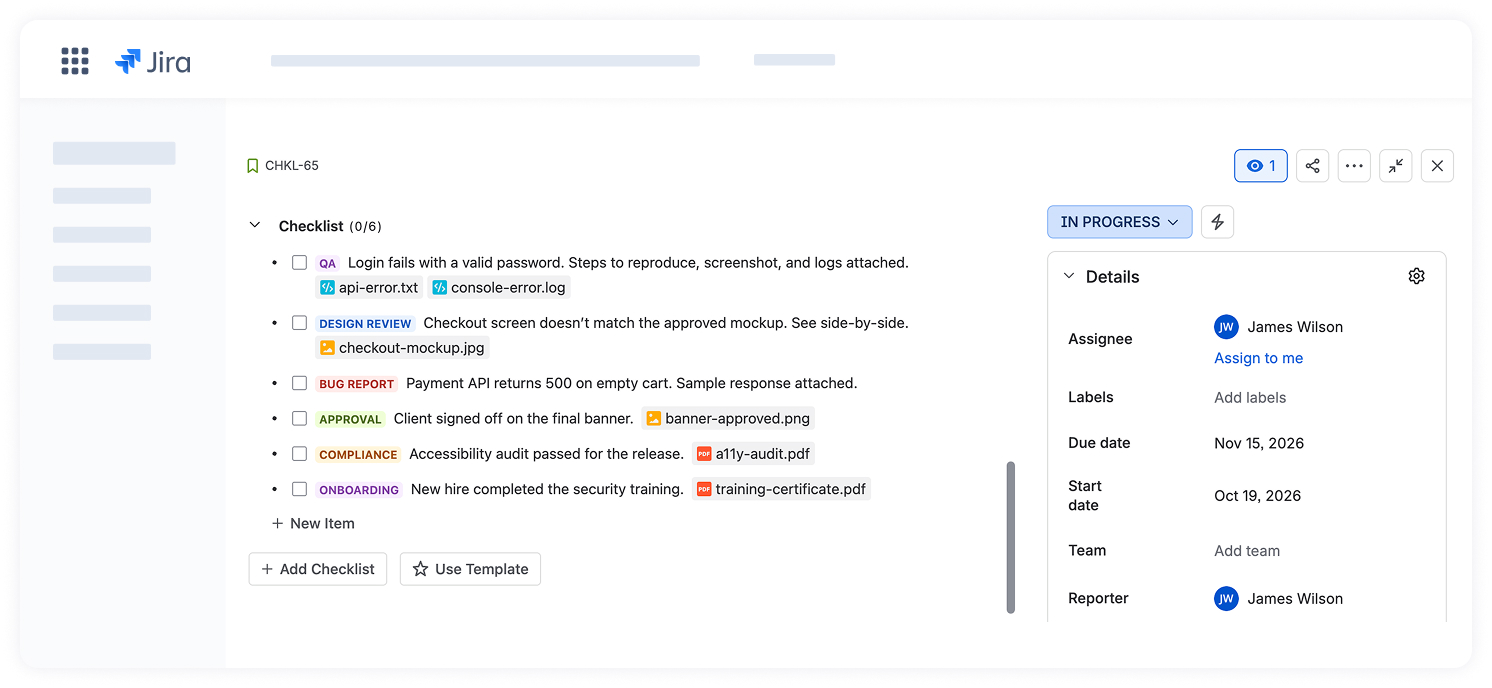
Images and attachments in checklist items
In this release, we added the ability to attach images, screenshots, and files directly to checklist items. Add them with the /image command, by pasting from the clipboard, or with drag and drop, so everything a task needs, and everything that proves it’s done, stays right inside the item. Click an image to preview it, or a file to download it.
Learn more in the documentation.