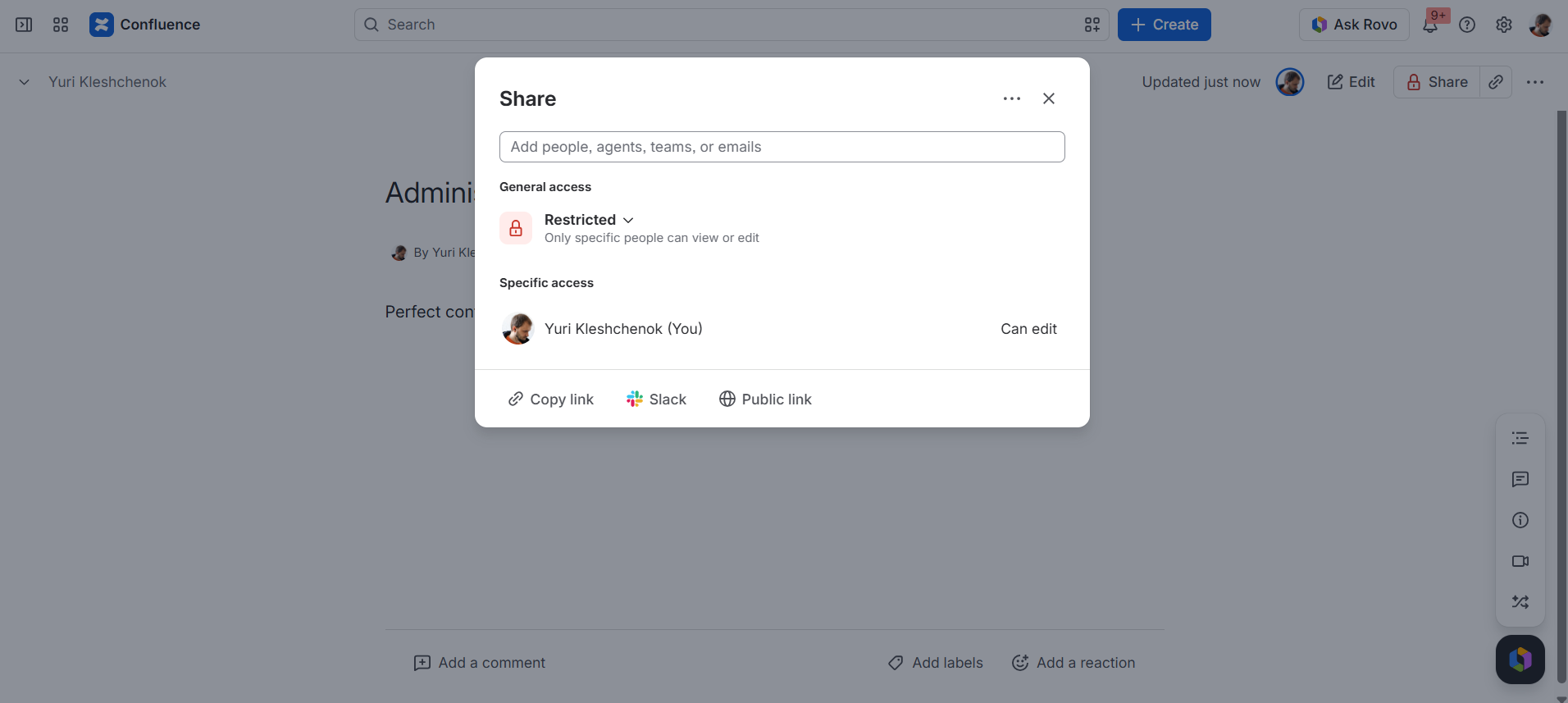
By default, a course creator is the only user who has permission to view and edit a course. If you need several people to collaborate on the same course, you need to change permissions of a course.
Open a course administration page.
Click Share
Add a user or group and select permissions (Can view or Can edit).
Note: both options grant full administrative capabilities, such as adding content, adjusting settings, and enrolling users.
Apply changes.
The added user or group can now work with the course.
Don't remove IZI for Confluence (LMS, Training Courses, Quizzes)user from course page permissions. This is the app user that is needed for courses to work.
Cookie Notice
This website uses cookies for analytics, personalization and advertising. By continuing to browse, you agree to our use of cookies. Learn more