The Permission issue (App user lacks permissions) error is shown when the app user called IZI for Confluence (LMS, Training Courses, Quizzes) lacks space permissions or has limited acces.
Possible causes & Steps to troubleshoot
This error is show for either one or both reasons mentioned below. Check them one by one.
App user has no access to the current or parent page
⭐️ Current page
What's expected
App user is in page restrictions of a course/quiz administration page.
Steps to troubleshoot
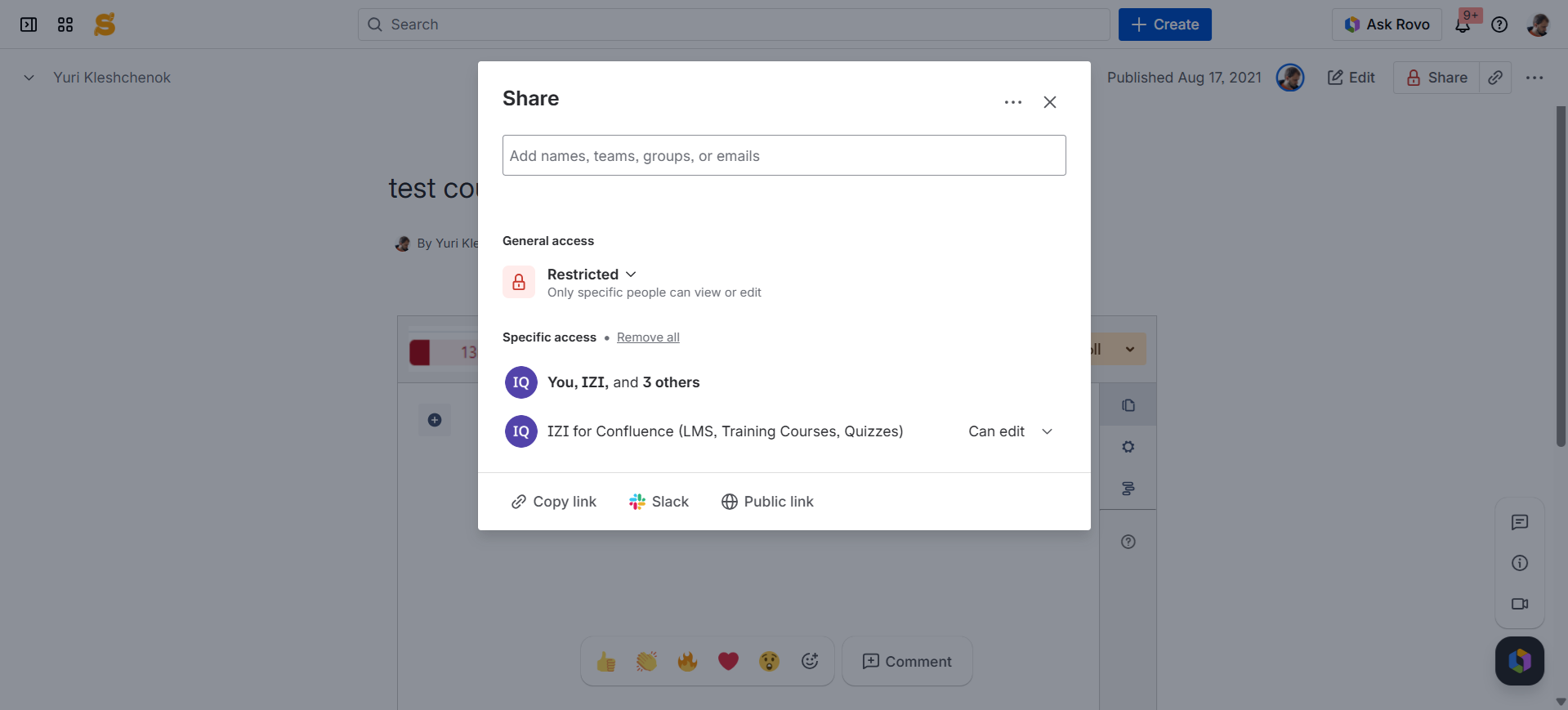
Check if IZI for Confluence (LMS, Training Courses, Quizzes) (app user) can view your course/quiz administration page.
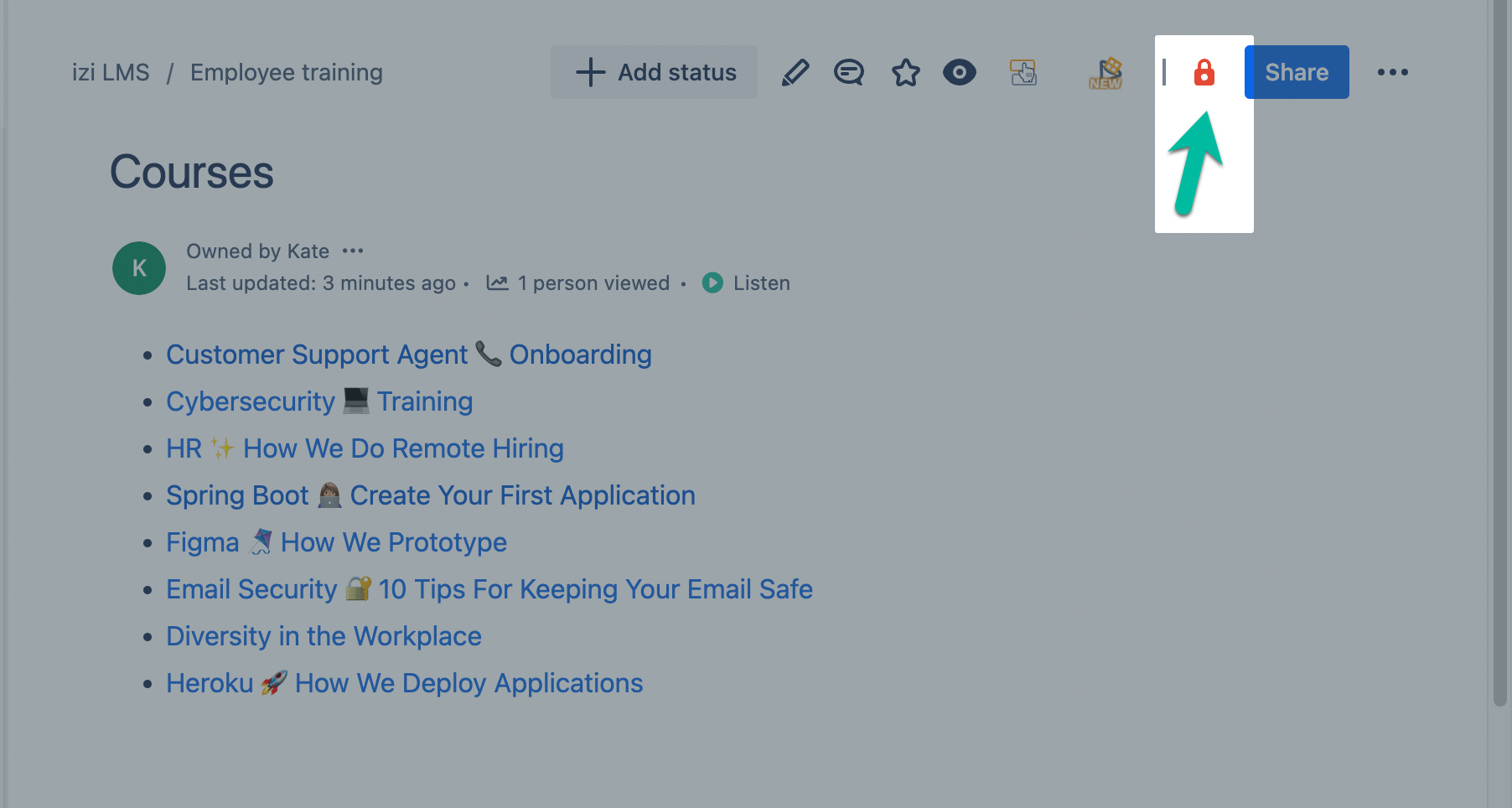
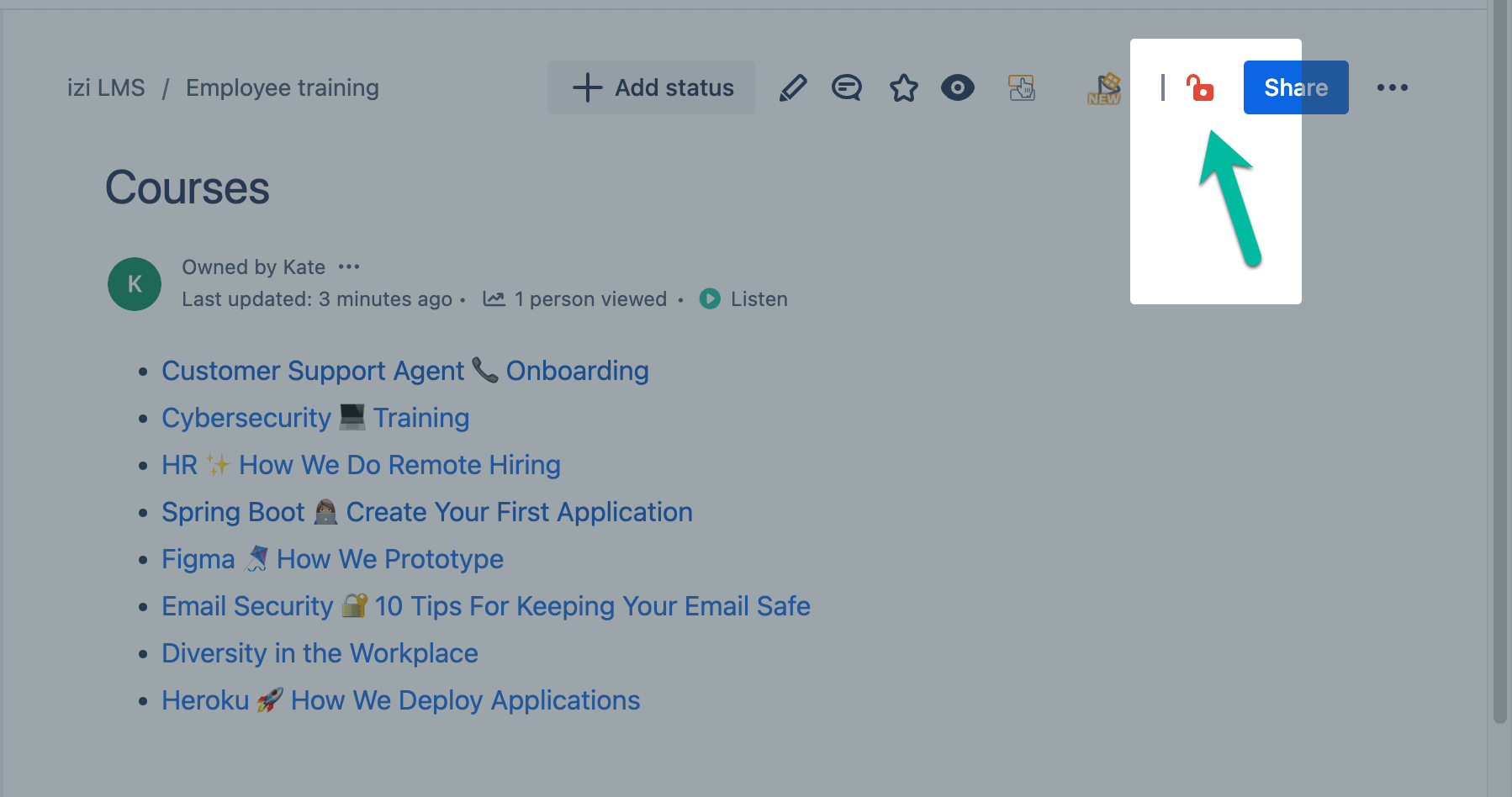
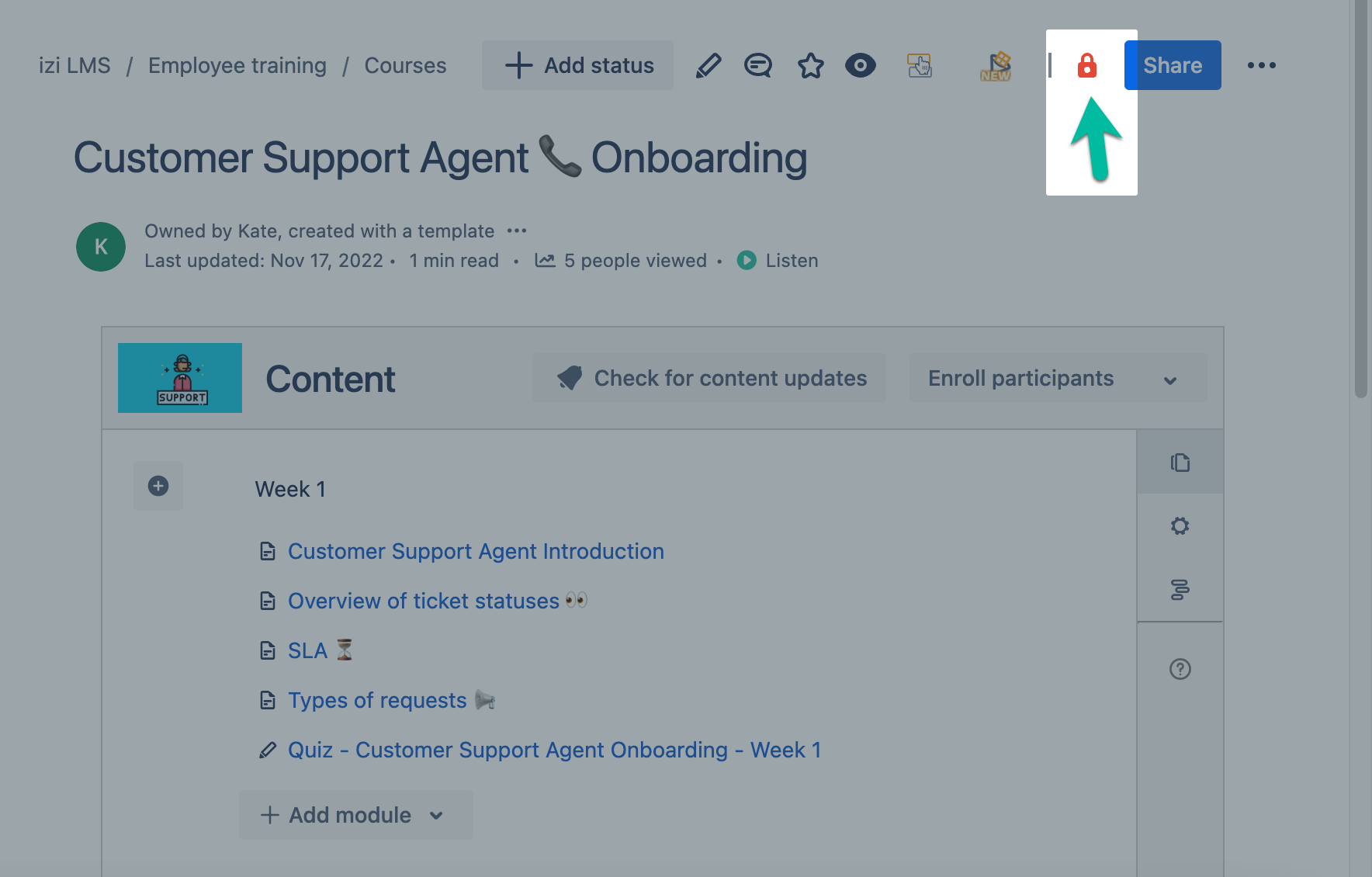
- Click the lock icon (
 ).
).
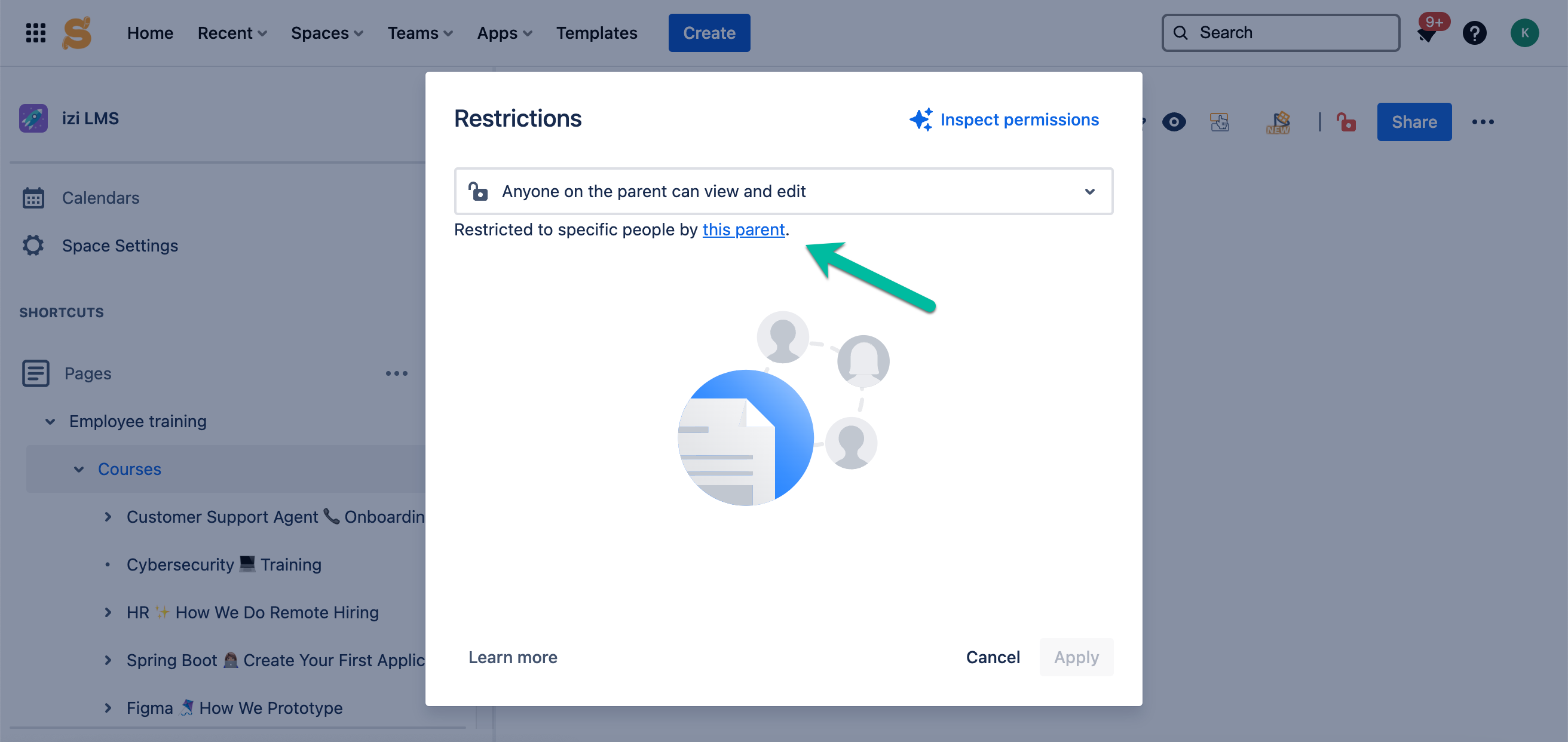
- Check if IZI for Confluence (LMS, Training Courses, Quizzes) (app user) is in page restrictions. If not, add the app user.
⭐️ Parent pages
What's expected
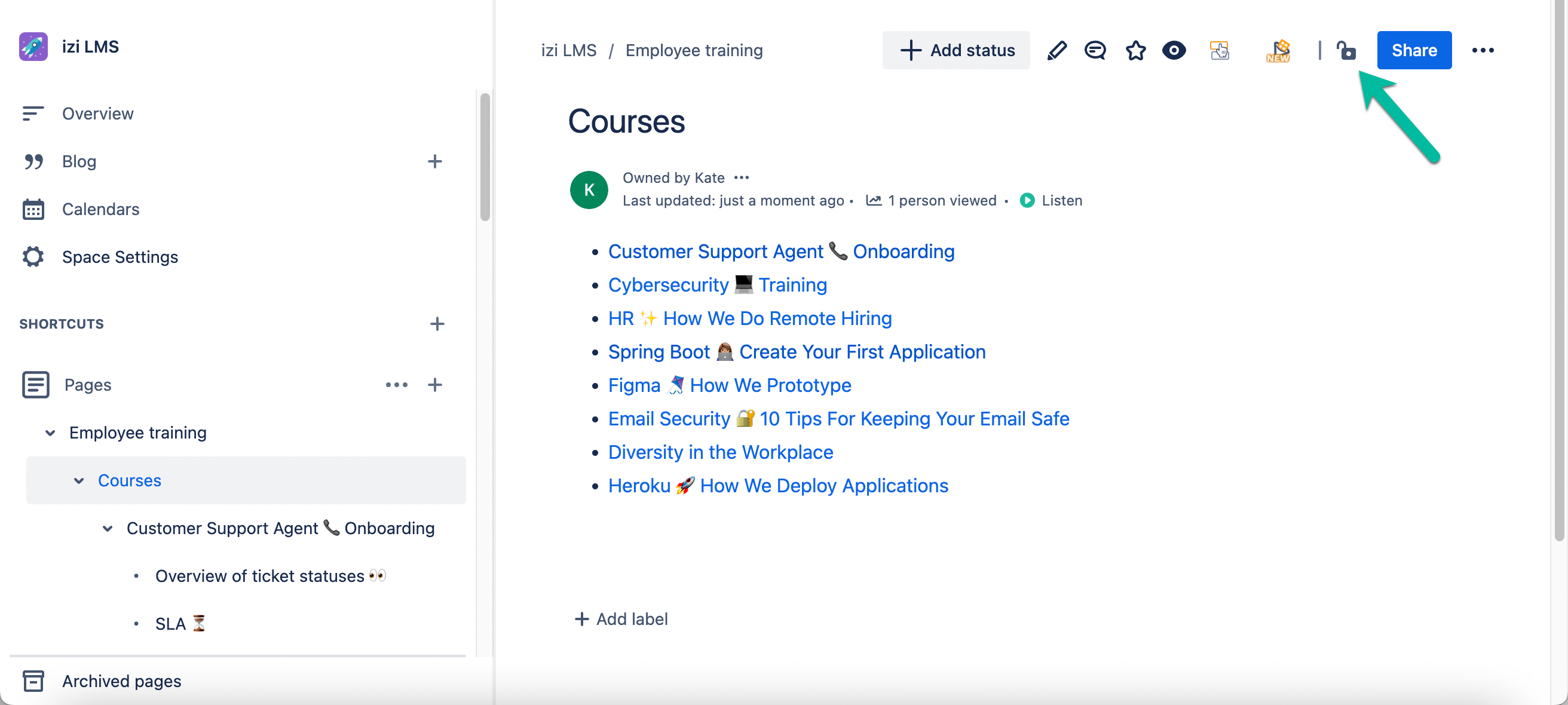
App user is in page restrictions for all the parent pages of a course/quiz.
Steps to troubleshoot
It is possible you have multiple levels of pages in the space where your course/quiz is created.
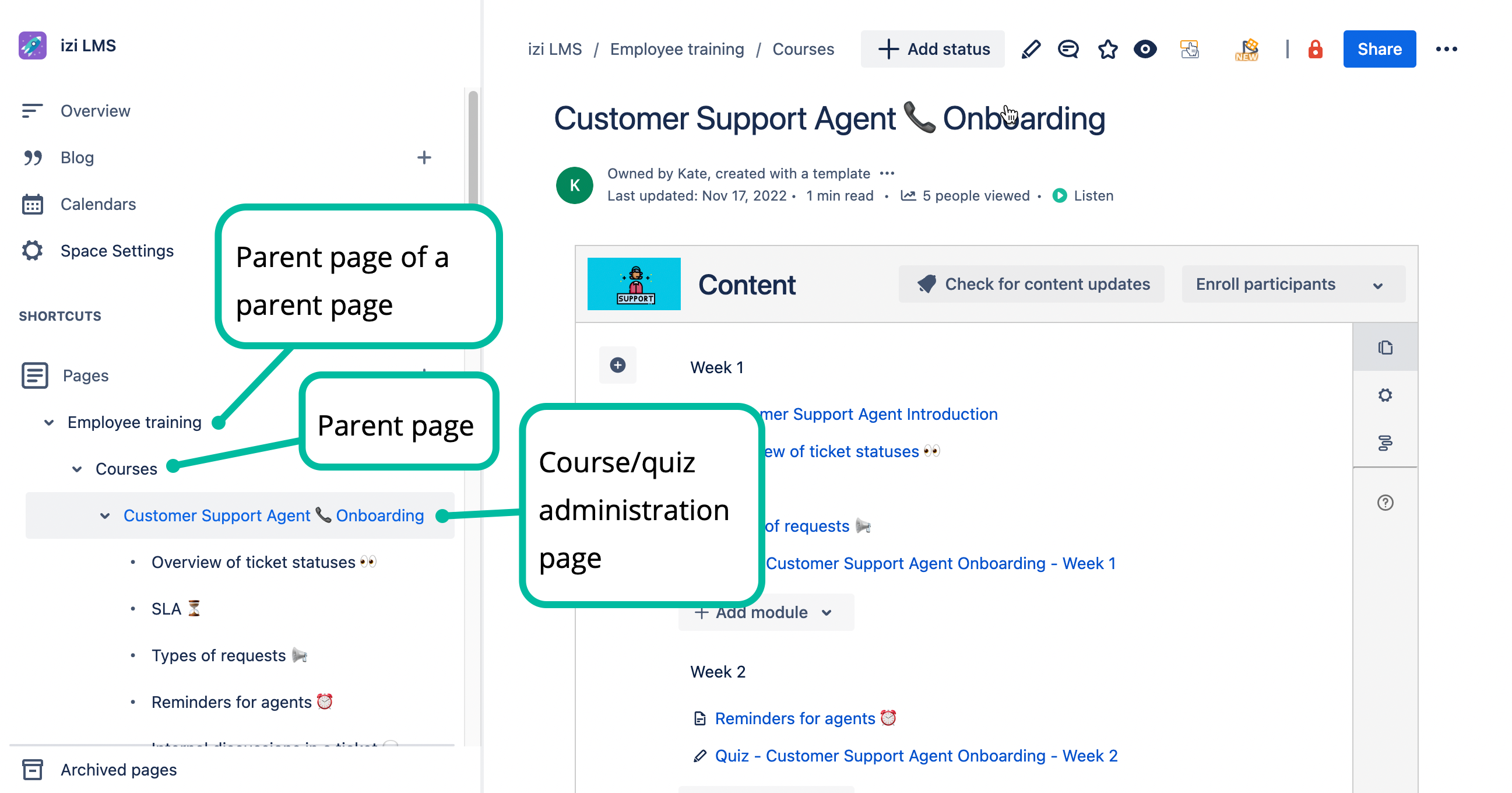
If your course/quiz is created as a child page under another page in the space, check page restrictions of all of its parent pages.
Go to a parent page of a course/quiz administration page (page which is higher in the page tree on a sidebar and is situated on a higher level).
App user lacks View and/or Add pages permissions in this space
What's expected
App user has View & Add Pages permissions in this space.
Steps to troubleshoot
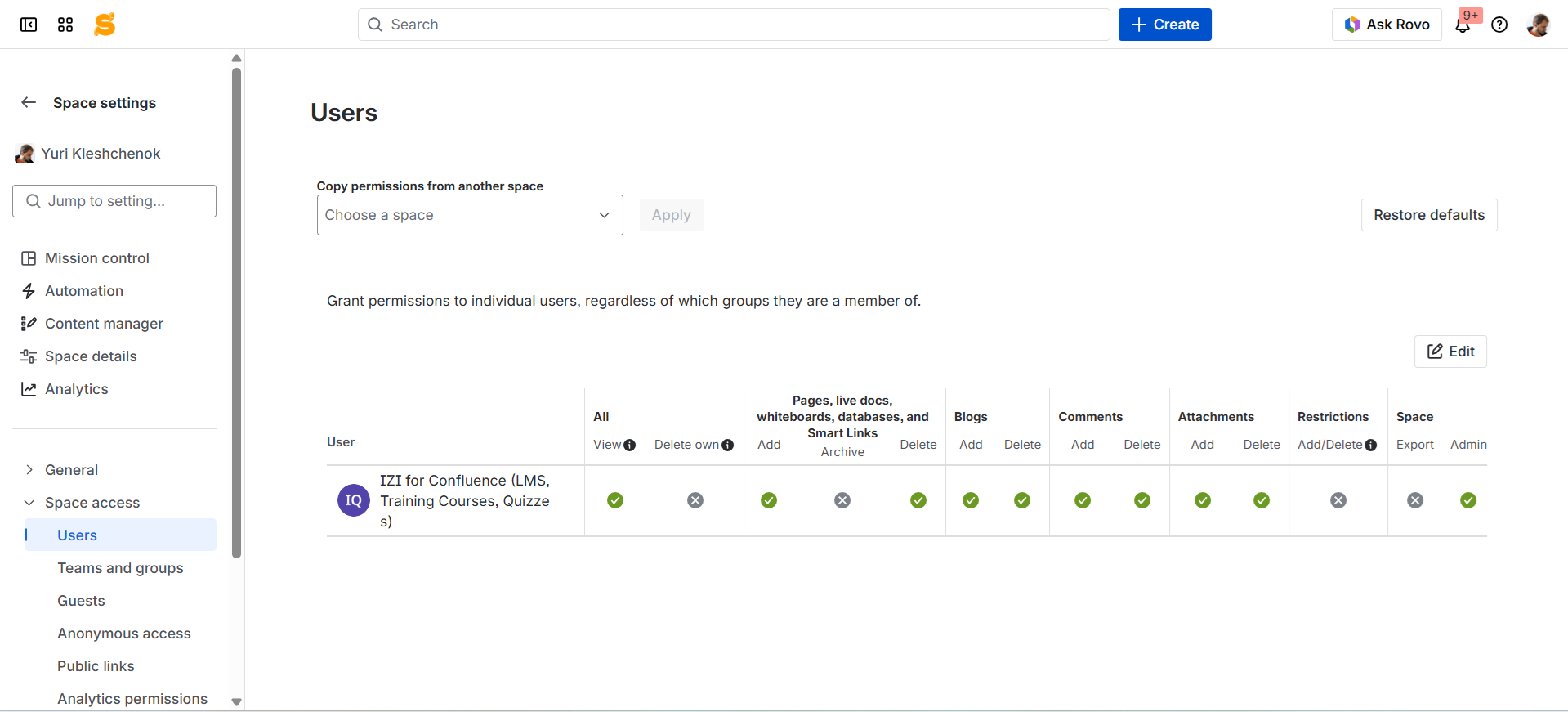
- Go to Space Settings > Space Access > Users.
- Edit space permissions and give IZI for Confluence (LMS, Training Courses, Quizzes) (app user) permission called
- All > View
- Pages (Pages, whiteboards, and databases) > Add
Why is it needed?
- IZI for Confluence (LMS, Training Courses, Quizzes) is a technical user of izi LMS. It requires access to courses and quizzes in order to display the content to participants and provide creators with learning management capabilities (such as creating modules and questions).