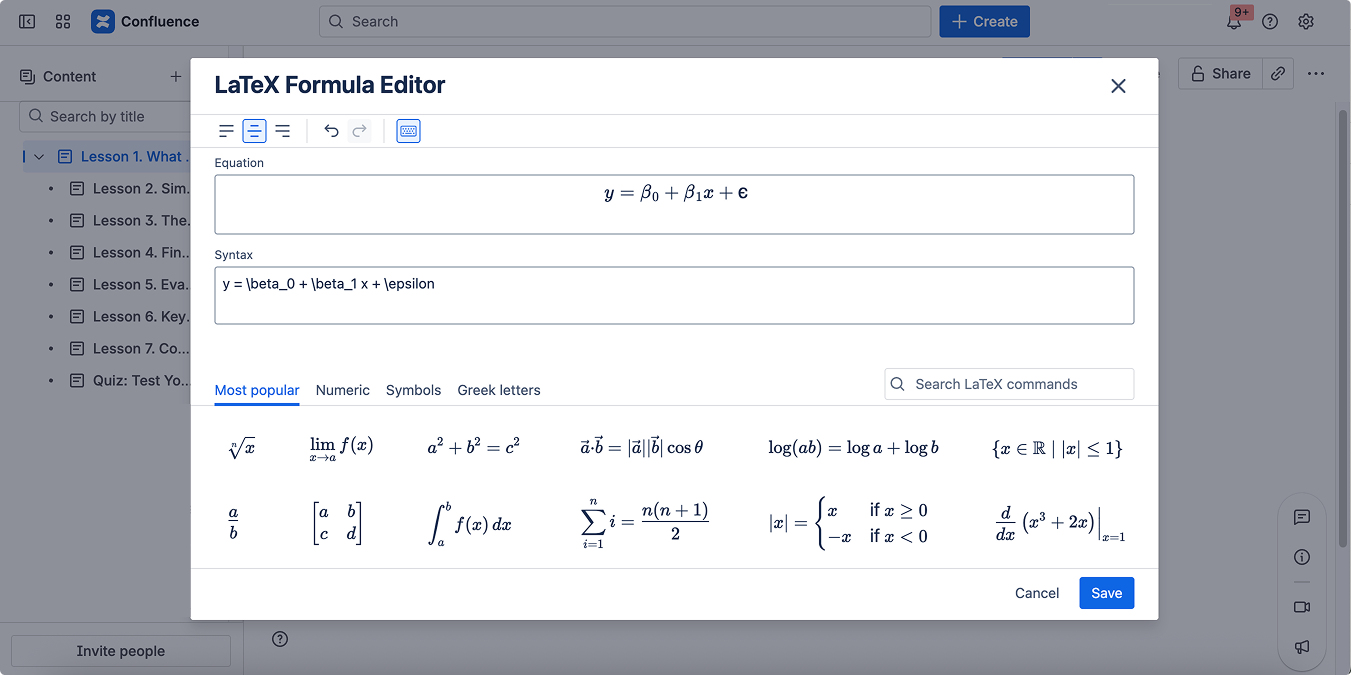
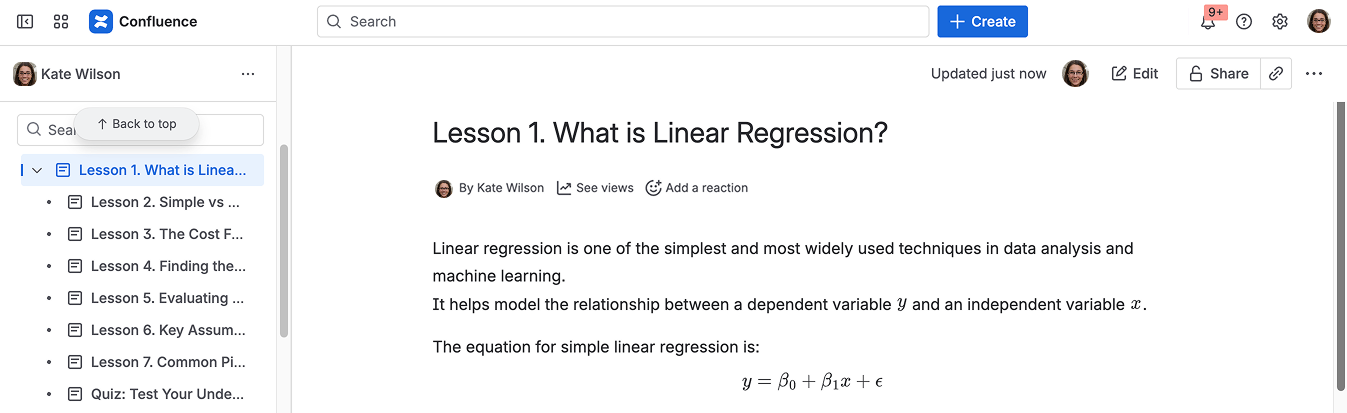
You can easily add mathematical formulas to your courses with the help of the LaTeX Math for Confluence app. This integration allows you to display formulas beautifully formatted directly inside course lessons.
Add formulas to a course
To use formulas in your courses, make sure the LaTeX Math for Confluence app is installed from the Atlassian Marketplace.
Open the Confluence page that you use as a course lesson or create a new one.
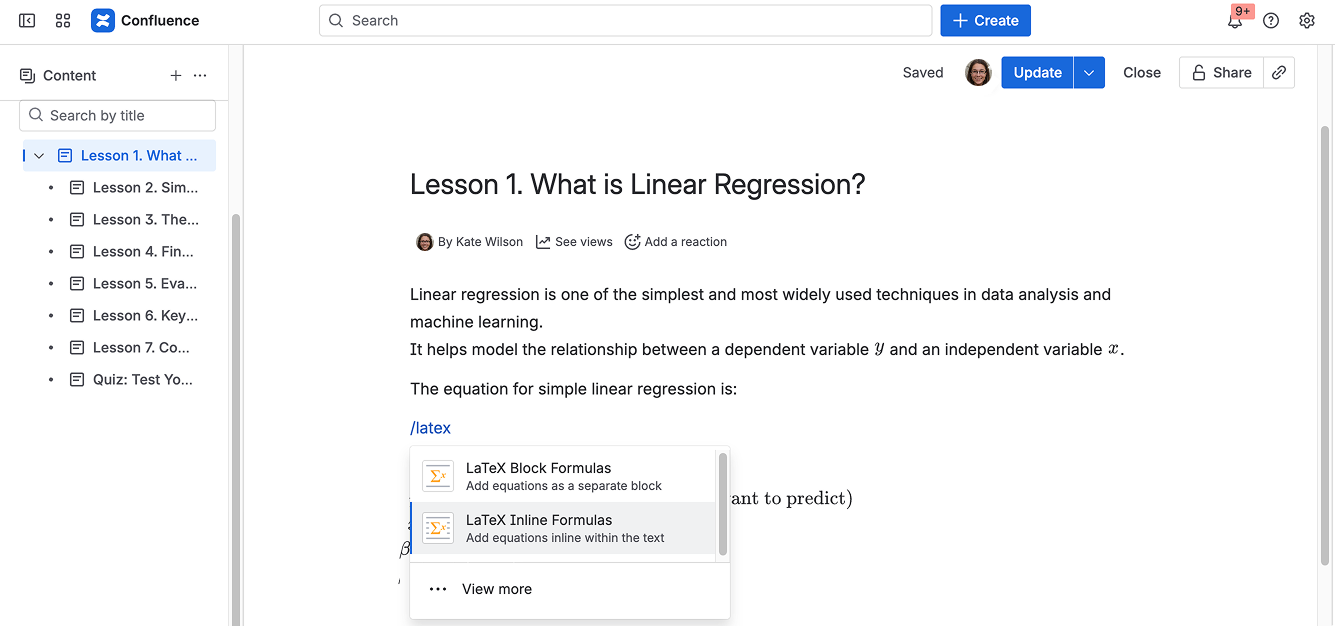
In the page editor, type /latex at the place where you want to add a formula.