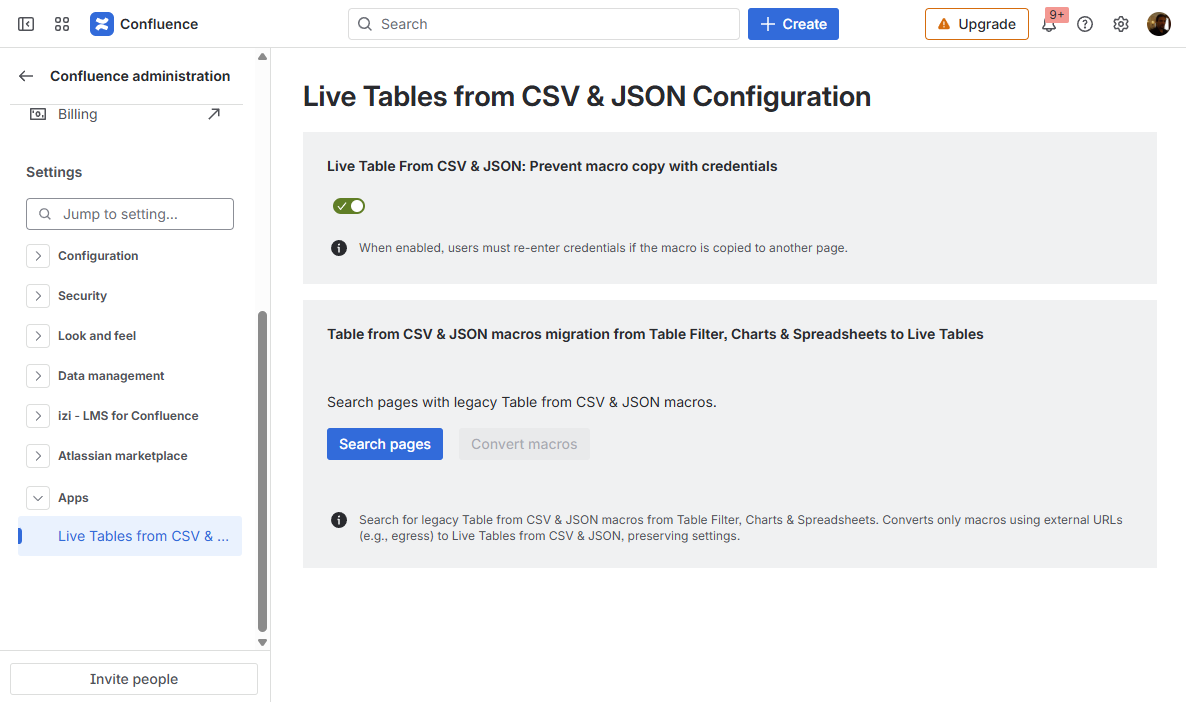
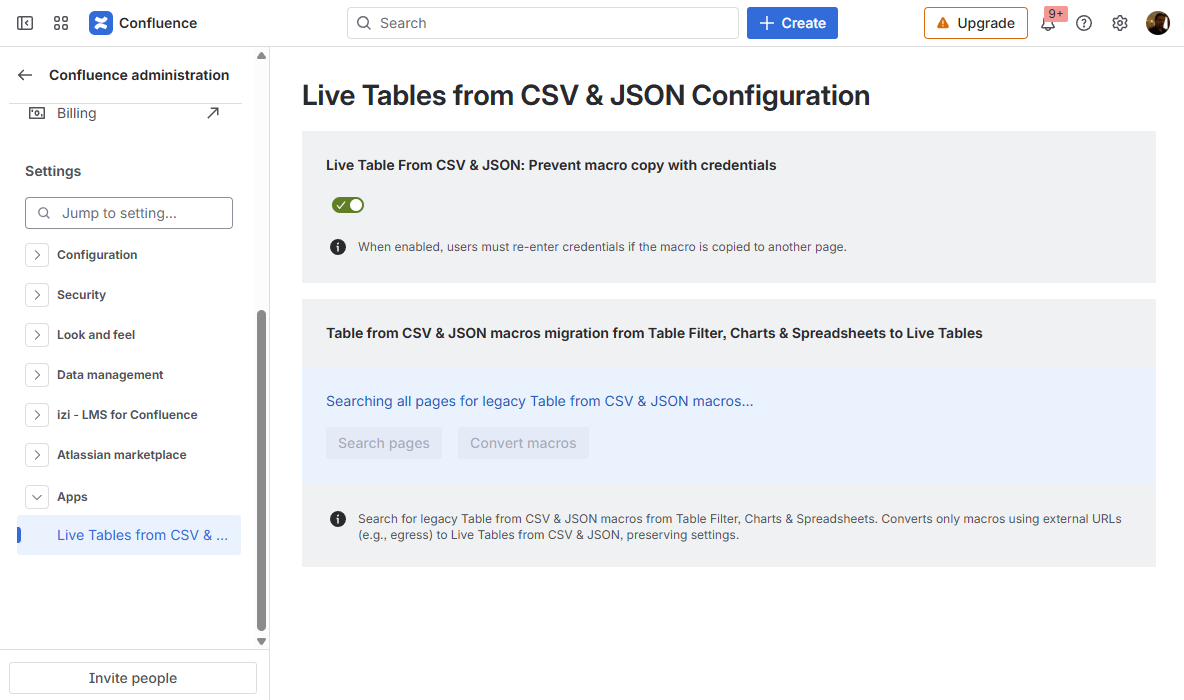
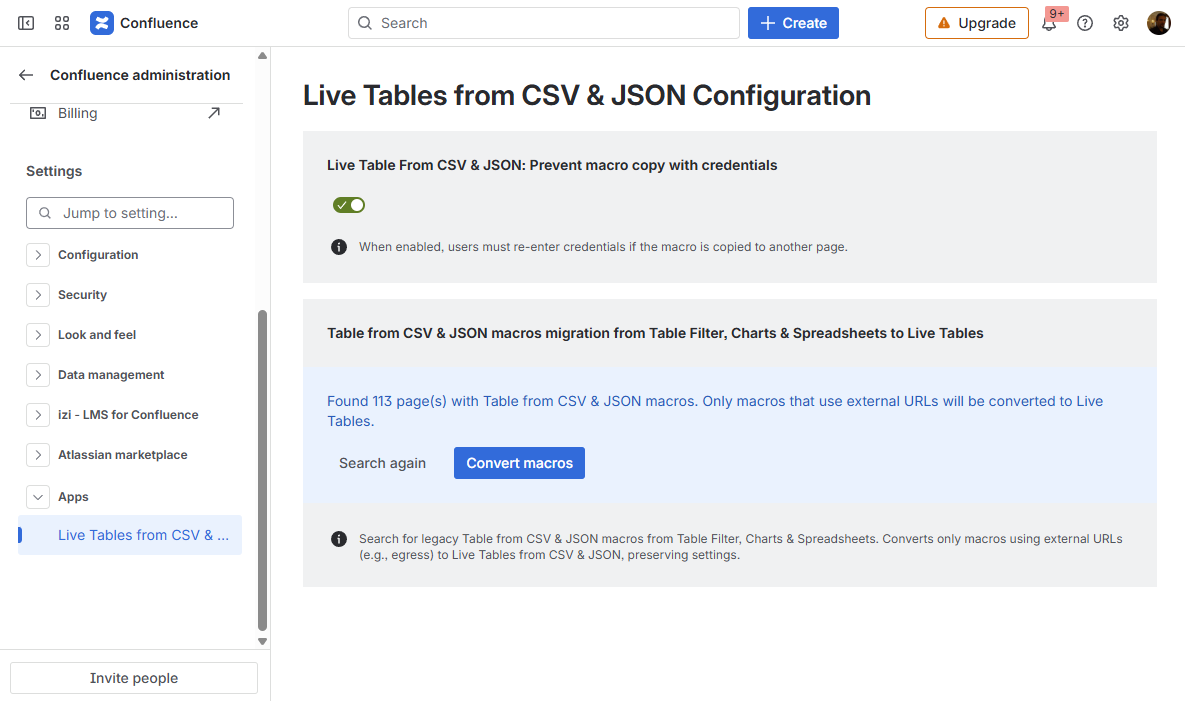
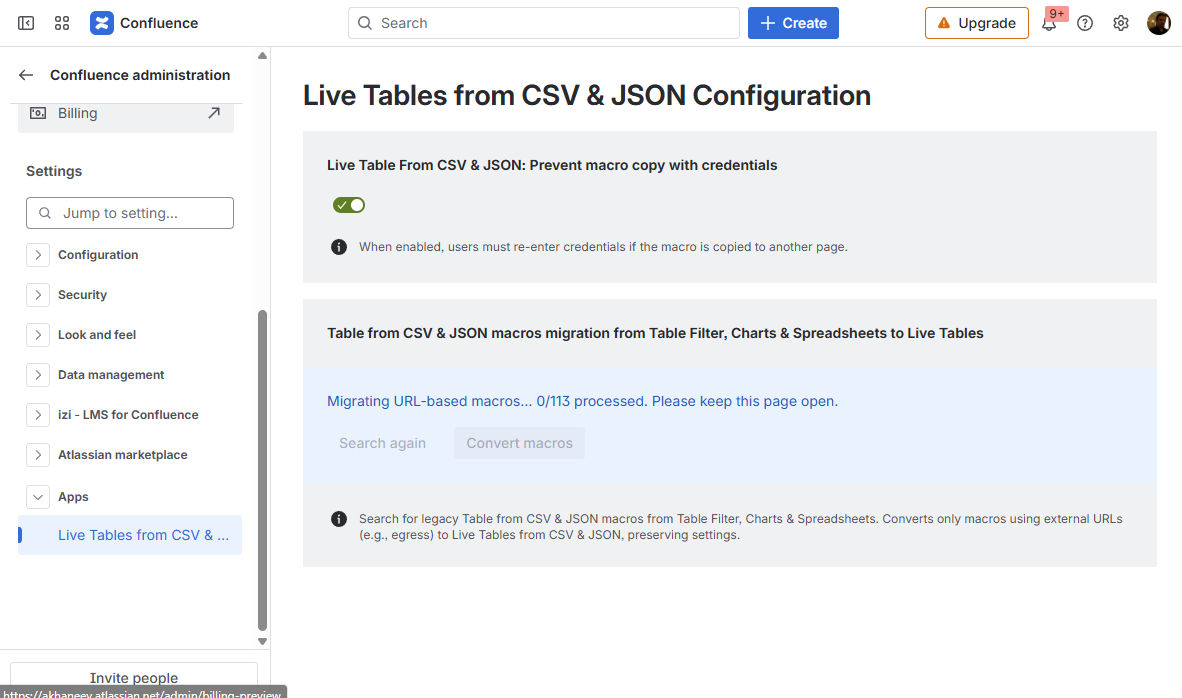
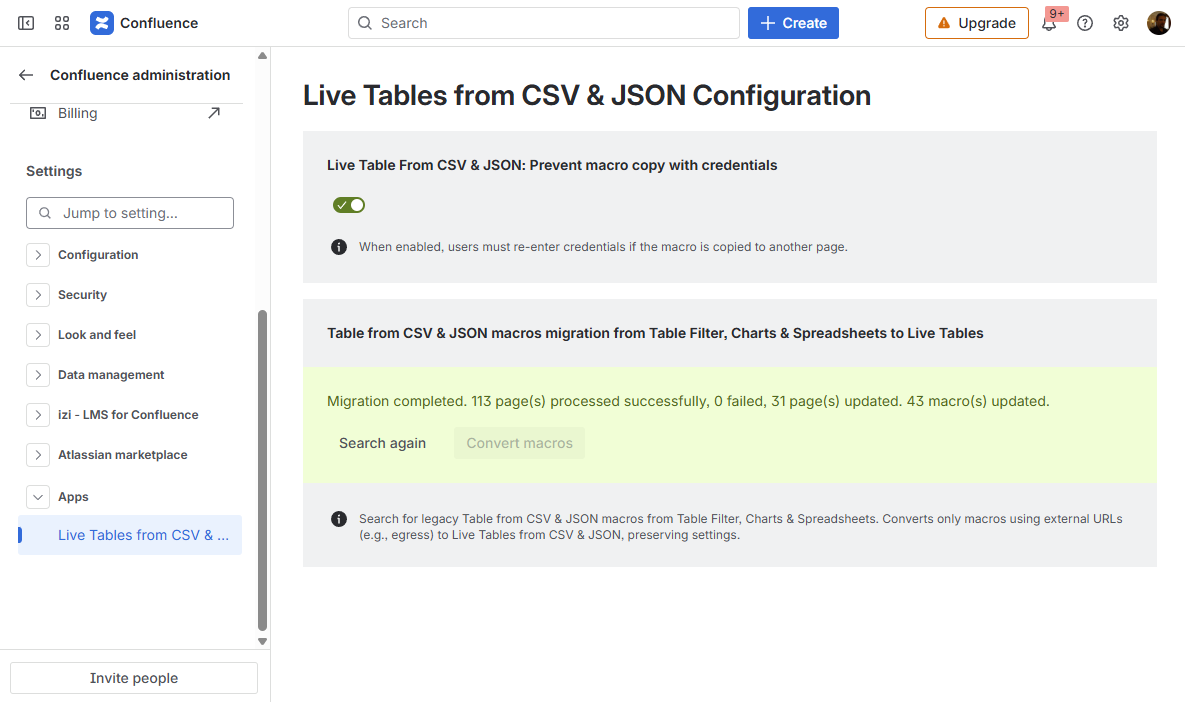
Live Tables from CSV & JSON for Confluence Current: Configuring parameters of Live Tables from CSV & JSON PDF Download PDF Download page Configuring parameters of Live Tables from CSV & JSON. Current page All pages Configuring parameters of Live Tables from CSV & JSON How to configure the app settingsGo to Confluence Administration Open the Apps section on the leftChoose Live Tables from CSV & JSON Configuration How to prevent credentials copying in Live Table from CSV and Live Table from JSON macrosWhen the Live Table from CSV & JSON: Prevent macro copy with credentials option is enabled, users must re-enter credentials if the macro is copied to another page.Go to Live Tables from CSV & JSON ConfigurationToggle on or off the Live Table From CSV & JSON: Prevent macro copy with credentials setting How to migrate Table from CSV & JSON macros from Table Filter, Charts & Spreadsheets to Live Tables from CSV & JSON macrosTable from CSV and Table from JSON macros are restricted from fetching data from external URLs because of the Table Filter, Charts & Spreadsheets app migration to the Forge platform, and the Runs on Atlassian requirement. Live Tables from CSV & JSON macros are here to overcome this limitation and fetch data from external URLs.Migrate Table from CSV and Table from JSON macros configured to fetch data from external URLs in older versions of the Table Filter, Charts & Spreadsheets app to the Live Tables from CSV & JSON macros to keep it working with no need to recreate macros from scratch:Go to Live Tables from CSV & JSON ConfigurationClick the Search pages button and wait until it finds all pages with Table from CSV and Table from JSON macrosClick the Convert macros button and wait until all Table from CSV and Table from JSON macros configured to fetch data from external URLs are converted to Live Tables from CSV & JSON macros After migrating macros with configured authentication, you will need to re-enter credentials in the macro configuration. ×